


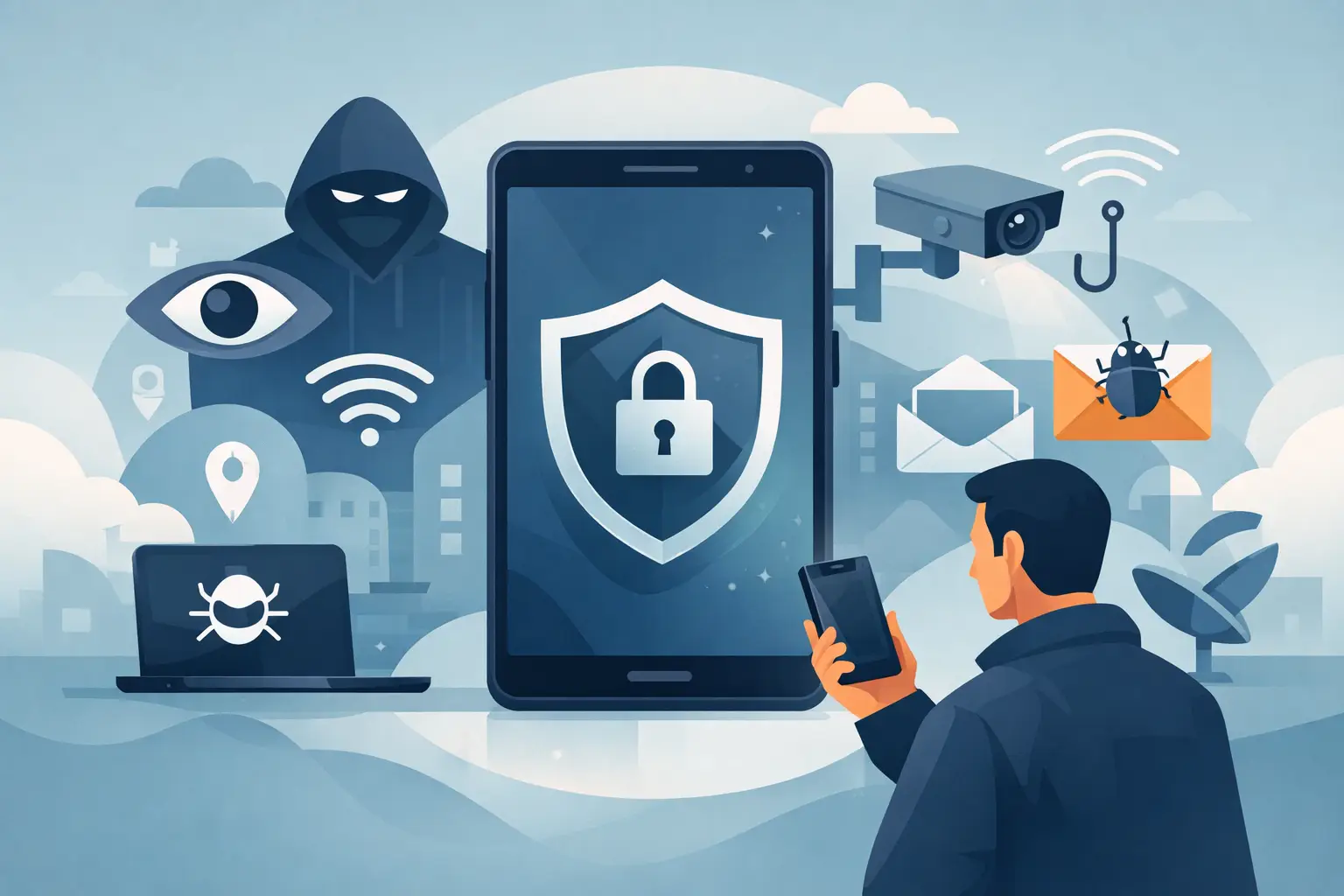
There’s a decent chance your phone knows you better than your closest friends do. It knows where you sleep, who you text at midnight, which shops you wander into on a Saturday, what you Google when you can’t sleep, and which apps your kids are glued to. None of that gets collected because your phone needs it to function. Most of it gets collected because it’s worth money to advertisers and data brokers. A privacy phone is built around changing that.
This isn’t some paranoid setup for people who think they’re being watched. It’s just a reasonable stance for anyone who’d rather not have their day-to-day life quietly turned into a marketing profile. And the better privacy phones don’t ask you to give anything up for it, you still get maps, messaging, banking, photos, all the normal stuff.
The problem is bigger than a single app
People tend to picture mobile tracking as a single sketchy permission popup. In reality it’s woven into the whole ecosystem, the OS, the app store, the browser, your cloud account, background processes you never see. Even an app that looks completely innocent can be quietly reporting your location or a device ID to some third party you’ve never heard of.
And it’s not only about ads. That data gets used to guess at your income, your health issues, your family situation, your daily routine. Consent for all this is usually buried three menus deep in terms nobody reads, and opting out often means the app just stops working properly.
A better starting question is simpler: does this feature actually need this data? If a flashlight app wants your contacts, that’s a red flag, not a formality. If a weather app doesn’t need your exact GPS coordinates, you should be able to give it a general area instead. Privacy is not about blocking every connection. It is about giving people meaningful control.
What makes a privacy phone different?
A privacy phone is more than a handset with a private messaging app installed. It should address the whole experience, from the software running in the background to the services used for email, files and calendars.
An operating system that puts you in charge
Everything starts with the OS. Most mainstream phones are tightly bound to platforms whose entire business model runs on account and device data. A privacy-first OS needs to break that dependency, hand you real permission controls, and do it in a way that doesn’t require a computer science degree.
Open source matters a lot here. When outside developers and researchers can actually read the code, privacy claims aren’t just something you’re taking on faith — they’re checkable. That’s not a magic guarantee of security on its own, but it does create real accountability.
Look for the practical stuff: Can you actually see what trackers are hiding inside an app? Can you cut off its access to your camera or mic whenever you want, not just at install time? Can you take a permission back later instead of it being all-or-nothing forever? These aren’t bonus features, they’re basics.
App compatibility without surrendering your data
A fair question people ask: can a privacy phone still run what they actually need? Because for most of us, that means banking apps, transit apps, work software, family logistics — you can’t just opt out of modern life to get some privacy.
That’s why Android app compatibility matters so much. It means you can go privacy-first without torching your entire app library. That said, compatibility doesn’t mean installing everything blindly. Some apps are basically built around aggressive data collection, and they might not run at full capability once you start locking things down. That’s not really the phone’s fault — it just exposes how much access these apps were quietly counting on.
A good system should tell you what trackers live inside an app and let you weigh that against how much you actually need it. Sometimes the browser version of a service is the smarter move. Sometimes you keep the app but lock its permissions down hard. Either way, that choice should be yours to make, not something decided for you in advance.
Private cloud services are part of the picture
A phone rarely stands alone. Photos back up somewhere. Calendars hold doctor’s appointments. Email holds bank statements, school updates, travel bookings. You can lock down the device itself and still leave all of that sitting in a cloud account built on data harvesting, which only solves half the problem.
A proper privacy setup needs alternatives for email, calendar, contacts, and file storage too. European hosting can matter here for anyone in the UK or EU, since it tends to line up with stronger privacy law, though where the servers sit isn’t the whole story. You still want to know who actually runs the service, what they can see, and how your data is protected once it’s there.
There are real trade-offs, too. Syncing files across devices needs some information flowing; strong end-to-end encryption can get in the way of things like search or quick browser editing. There’s no perfect answer, it depends on how you actually use these tools day to day. What matters is a provider being upfront about those limits instead of hiding behind vague “bank-level security” language.
How to choose a privacy phone
Start with how you live, not with a spec sheet. A parent might care most about limiting what trackers can learn about their kids. A freelancer probably needs solid email and calendar sharing more than anything else. A small business might need managed devices and compatibility with Microsoft 365. Privacy should fit around your life, not become a second job on top of it.
When you’re comparing phones or services, a few questions are worth asking directly:
- What does the operating system and its core apps actually collect?
- Do tracker-blocking and permission controls come switched on by default, or do you have to dig for them?
- Is the software open source, and is it actually kept updated?
- Can you run the Android apps you rely on without tying the phone to a Big Tech account?
- Where do your email, files, and calendar actually live, and who can access them?
- What happens when something breaks or you need support?
That last one gets skipped a lot. A privacy phone should hold up over time, long software support, the ability to actually get it repaired, a company that’s clear about what happens down the line. That’s what keeps a phone useful for years instead of landfill after eighteen months.
Price is worth being honest about too. Privacy-focused companies still need to make money somehow. If something’s free, it’s fair to ask how it’s funded. A company selling hardware and charging clear subscription fees has very different incentives than one running on ad profiles. Paying for storage or collaboration tools isn’t a downside, it’s often what makes you the customer instead of the product.
Privacy is a setting of the whole system
No phone makes you invisible, and nothing removes every risk entirely. A privacy phone won’t stop you from oversharing on social media, using a badly built app, or falling for a convincing scam. Screen locks, regular updates, and a bit of healthy suspicion toward strange messages still matter no matter what hardware you’re holding.
But that shouldn’t be entirely on the individual either. Nobody should have to become an amateur security researcher just to keep their family photos private. That baseline should come built in.
This is basically Murena’s whole pitch, privacy-minded hardware, an open-source Android-compatible OS, and everyday cloud tools, all under one roof. The idea is to give people a working alternative to phones that treat data harvesting as the cost of doing business.
Honestly, the easiest first move is just looking at the phone you already own. Go through the app permissions, delete what you don’t use anymore, and think about which companies you actually trust with your messages and photos. It adds up faster than you’d think. Your digital life is yours, it’s worth treating it that way.


Leave a Reply