


How to protect your online privacy in your browser
Last month, we explained how to protect your privacy on your smartphone.
You are probably also aware that your personal data is at risk on your home computer or laptop, and you may want to better protect your information.
Read this article to learn how to protect your online privacy in your browser – with insights from our team of experts, including Aude, Product Owner, Romain, Engineering Manager and Akhil, Tech lead at Murena.
1: Protect your online privacy by rejecting cookies
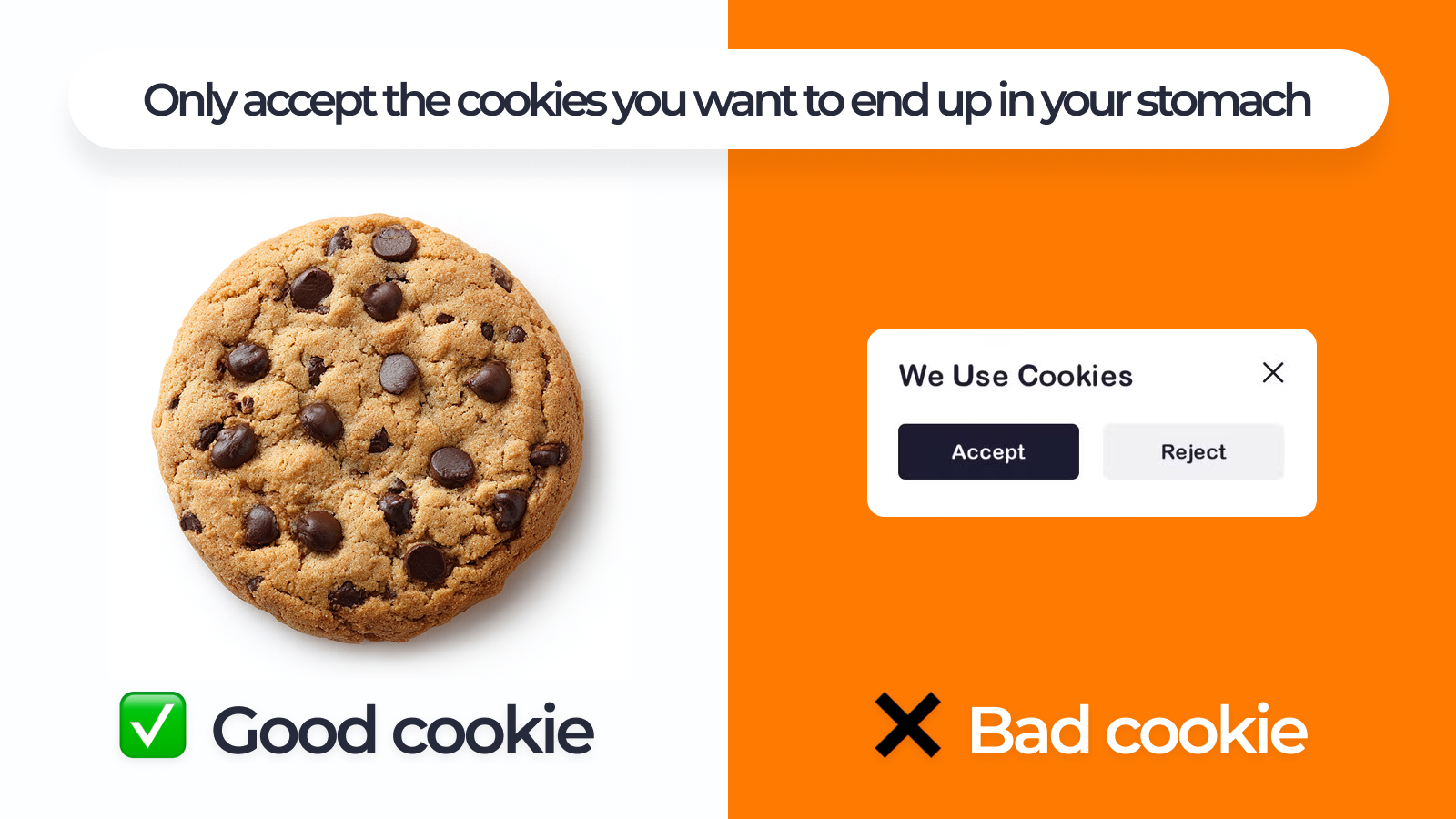
Today we’re so used to cookie messages popping up on websites that we sometimes don’t even actively notice them. But instead of accepting them in the hope of a better user experience, you should get used to refusing cookies to protect your privacy on the internet.
“Say “no” to cookies, even nicely introduced”, advises Aude, Product Owner at Murena.
Whenever you see a cookie banner, get used to clicking “No” or “Reject all.”
What are cookies?
In practice, cookies are small files that websites store on your device to remember settings, track your activity, or personalize ads. Website providers may add data about your browsing habits to advertising profiles and share it with advertisers or data brokers. Accepting such cookies does not necessarily improve your user experience – most websites work just as well without them.
Under the GDPR, a European law designed to protect your information and give you control over your data, websites must give you a real choice. This includes the option to disable all non-essential cookies – such as tracking or marketing cookies – without being denied access to the website if you prefer to protect your privacy on the internet.
How is the GDPR applied in practice? Imagine Maria from Italy visiting a US website: In this case the site – even though based outside the EU – is supposed to follow GDPR rules for EU visitors, such as offering cookie opt-outs. When Jim from California visits a website established in the EU, GDPR applies to the website operator, which, in this case, is why Jim’s data is subject to GDPR rules.
Other regions of the world have their own privacy laws, so websites may need to comply with multiple regulations depending on where their users are located.
2: Protect your online privacy by managing passwords safely
You might have experienced a busy workday and had a colleague ask you to quickly share a login and password in your company’s chat. If you did so, we hope it didn’t fall into the wrong hands.
Imagine a hacker gaining access to the chat and finding the login data handed to them on a silver platter – something that could be very dangerous for your company and for anyone trying to protect their privacy on the internet.
Advice number one: if you ever need to share a password – whether private or professional – never send all login details through the same channel. For example, you could be on the phone with your mum, telling her the login email address, and later send her the password via Telegram.
Or, if you are using Murena Workspace, you might have already tried out our password manager, which helps you securely store credentials and protect your online privacy.
“Use Murena Workspace’s Passwords feature to save your passwords and even share them. You can sync them on your mobile thanks to NC Passwords”, advises Aude.
Simply click on the three dots, then select “Share” and enter the email address of the person you want to share it with. If you need a password yourself, just click on the entry in the Passwords folder, and it will be copied automatically without being displayed on the screen. This helps you protect your information and makes it easy to work securely in public spaces, without anyone seeing your password.
3: Protect your online privacy by using end-to-end encryption for sensitive data
“For maximum security in the Passwords manager, use the end-to-end encryption option”, says Aude.
What is end-to-end encryption?
End-to-end encryption (E2EE) creates a secure tunnel between sender and recipient, ensuring that only they can read the data. Unlike a VPN, which encrypts your connection but not the content itself, E2EE protects the information so that even servers or administrators cannot access it. It isn’t always required, but recommended for sensitive information.
End-to-end encryption in Murena Workspace Passwords
Murena Workspace Passwords is the password manager included in Murena Workspace.
When E2EE is enabled in this feature, all passwords stored in your personal vault are encrypted and can only be decrypted by you.
This means that your stored passwords remain private and even Murena servers cannot read them.
However, sharing the password will not be end-to-end encrypted. If you choose to share a password with someone, the password must be decrypted on your device before it is sent. Because E2EE is tied to your personal encryption key, it cannot be extended to another person automatically. E2EE protects your stored passwords, not the act of sending them to someone else.
“If you use the Murena Workspace Passwords feature with end-to-end encryption, just go to its settings and enable it. But do not forget to note your master password!”, reminds Akhil, Tech lead at Murena.
Collaboration with end-to-end encryption: Murena Vault
Unlike the Passwords feature, Murena Vault is designed specifically for collaboration and sharing with full end-to-end encryption.
Murena Vault is based on CryptPad and lets you:
- create encrypted documents
- store them securely
- collaborate and share them with others using E2EE
This means that shared documents remain encrypted from your device to the recipient’s device – with no point in the process where the server can access their content.
Murena Vault is powered by CryptPad. Developed in Paris, it is fully open source, and its main instance is hosted in France, ensuring that your data stays under European jurisdiction for added privacy protection.
4: Protect your online privacy by changing your default browser
If you just bought a new laptop, one of the steps to protect your privacy on the internet is to change the default browser. Consider using privacy-friendly, open-source browsers like:
- Mozilla Firefox / LibreWolf: fully open source and configurable for privacy; LibreWolf removes telemetry* and is optimized for privacy by default.
- Ungoogled Chromium: a de-Googled version of Chromium, without Google services, to improve your online privacy.
- Brave: Chromium-based, blocks trackers and ads automatically, with large parts of the code open source.
How to set your default browser on your device
- Mac: Open System Settings → Desktop & Dock → Default web browser and choose your preferred browser.
- Windows: Go to Settings → Apps → Default Apps, scroll to “Web browser,” and select your preferred browser.
- Linux: Depending on your distribution, go to System Settings → Default Applications → Web Browser.
Switching to a privacy-focused browser is an easy step to immediately improve your online privacy and protect your information. This complements other good privacy practices.
5: Protect your online privacy by using privacy-first email options and search engines
Instead of using data-hungry mainstream email providers, consider privacy-first options to protect your privacy on the internet.
You might have heard about Tuta or Proton, but do you also know our email service, Murena Mail?
Murena Mail offers 1 GB of free storage and paid plans for those who need more space, helping you protect your online privacy and safeguard your information while functioning just as smoothly as mainstream providers.
“Use the email alias offered with your Murena Workspace account,” advises Romain.
Not always using the same email address helps protect your privacy on the internet, because it prevents services from linking your activities across different accounts. And if you really do not want to share your real email address with an organization or a person, you can use the “Hide my email” feature available in Murena Mail settings to receive emails.
When it comes to search engines, you also have several privacy-focused options that give you excellent results without profiling you. You can use DuckDuckGo, which avoids personal profiling and blocks many trackers by default, or Ecosia, which protects your online privacy while using its ad revenue to plant trees.
We offer Murena Find, powered by Qwant – a privacy-focused search engine that doesn’t track you, store your search history, or use targeted advertising. Fully hosted in Europe, it delivers neutral and unfiltered results while keeping your data under strict EU privacy standards to protect your information. Avoiding targeted ads also helps prevent falling into the filter bubble that many Big Tech users end up in.
Now that you know how to protect your online privacy in your browser, share these tips with friends and family – rather than sharing personal information with Big Tech!
Want to know more about Murena’s privacy-first online ecosystem?
Discover Murena Workspace
Murena Workspace in the US
*automated data collection about your browser usage
Leave a Reply